
Changes during play: handling late arrivals, early departures, and a new court count
On the day, some people arrive late and others leave early. You do not need to rebuild the draw each time. On the player settings screen, fix the rests and additions, then tap "Recalculate." Finished matches stay as they are, and only the remaining matches are rebuilt. Use the table of contents to open the section closest to your situation. This page mainly covers Round Robin. The differences for Mexicano and King of the Court are summarized in one section later on.
For both late arrivals and early departures, fix the player settings and recalculate
Whenever the number of players changes, you start from the same place. On the draw screen, tap "Edit Settings/Recalculate."
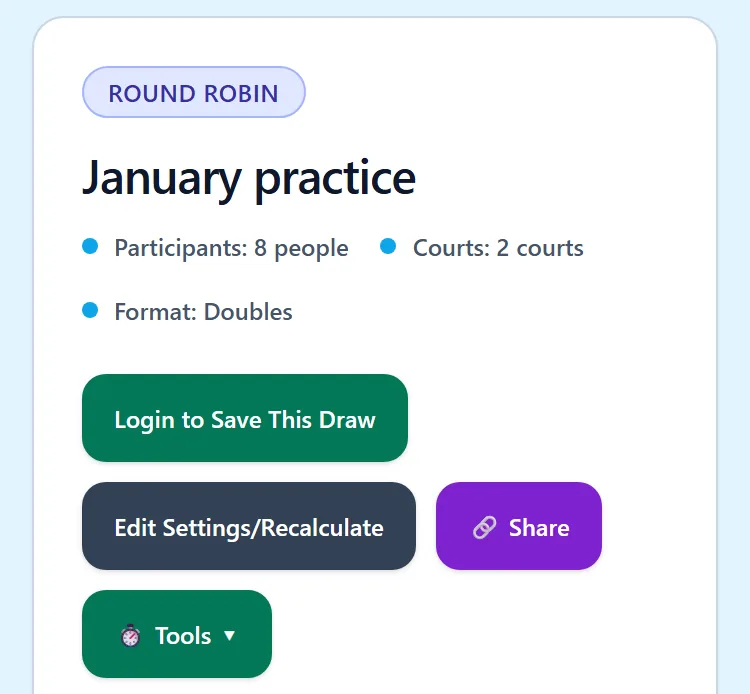
- Tap "Edit Settings/Recalculate" to open the player settings screen.
- Add the player who arrived late, or set the player who is leaving to Rest.
- At the bottom of the screen, choose the recalculation method. If unsure, the default is fine.
- Tap "Save Settings and Recalculate."
Only people who can edit the draw can do this. If you open the draw with a view-only URL, the "Edit Settings/Recalculate" button does not appear.
If someone arrives late: add a row with "Add Player" below the table
- On the player settings screen, tap "Add Player" at the bottom of the table.
- A new row appears. Enter a name. Names can be up to 16 characters.
- Tap "Save Settings and Recalculate."
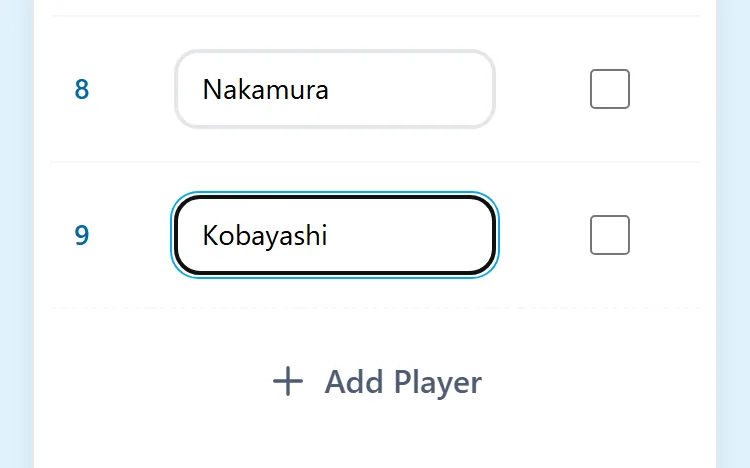
When the recalculation finishes, the added player joins the remaining matches.
If you are using Mixed Doubles or Fixed Groups, also set the gender or group for the added row.
If someone leaves early or sits out: check "Rest" for that player
- On the player settings screen, check "Rest" in the row of the player who is dropping out. The row turns gray.
- Tap "Save Settings and Recalculate."
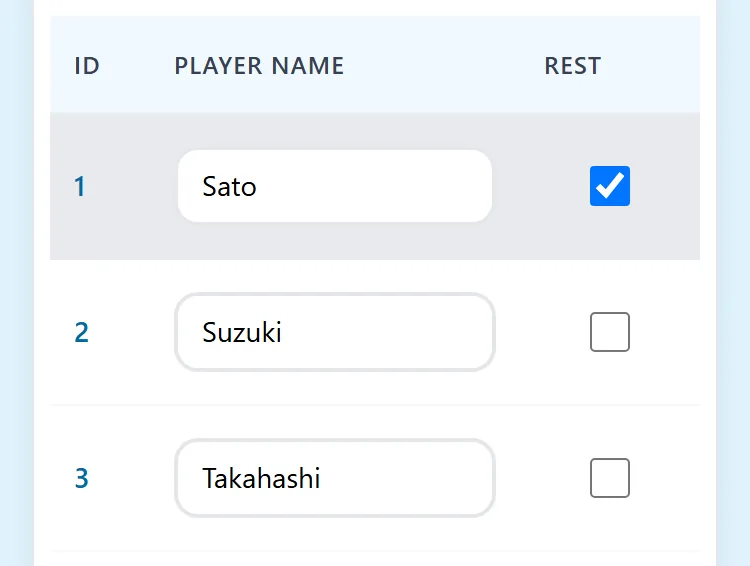
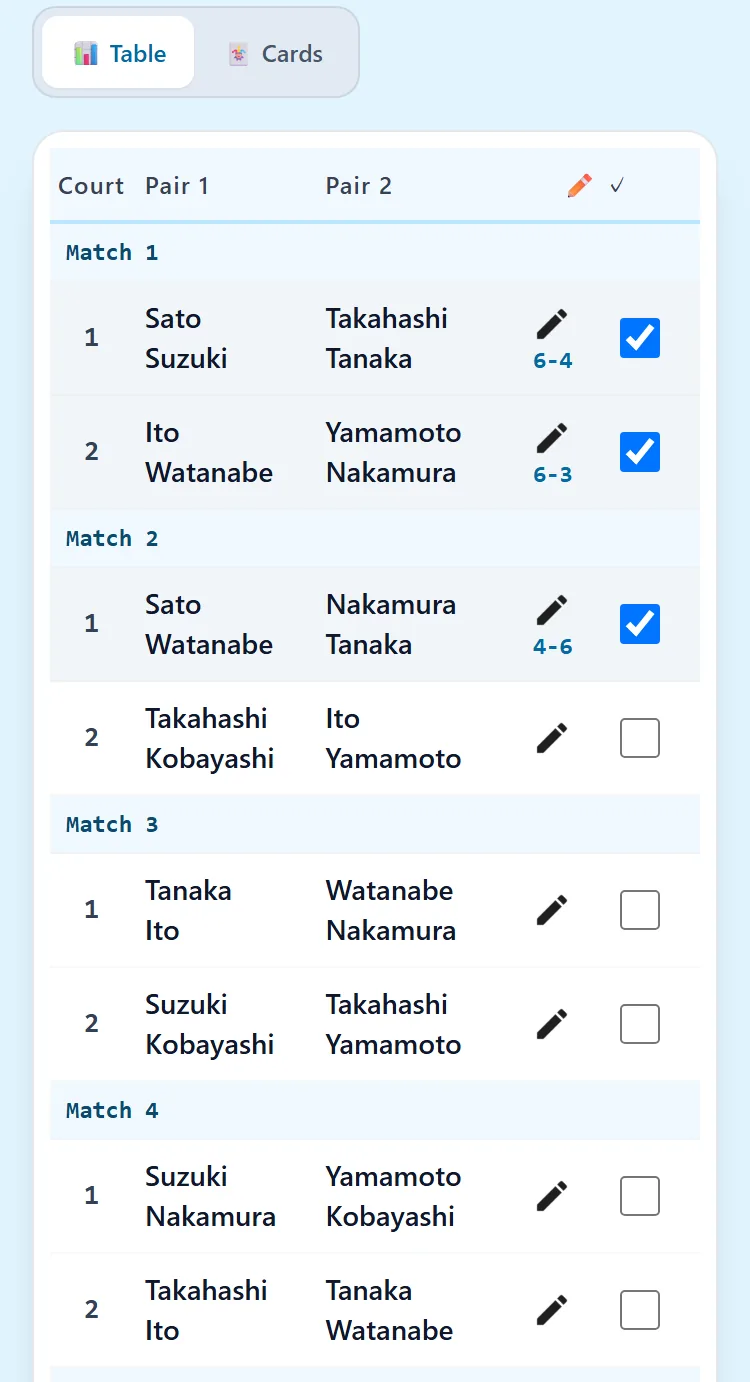
A player on Rest does not join the remaining matches. Records of matches already finished stay as they are. That is why, in the draw above, Sato plays in Match 1 but not in any match after it.
When the player comes back, uncheck Rest and recalculate again.
There is no button to delete a player. Set a player who is dropping out to Rest.
Finished matches do not change. Matches not marked complete are rebuilt
Recalculation rebuilds the matches whose "Complete" box is not checked. Matches marked complete keep their results and who played. Their scores and standings also stay.
A match that is not marked complete is rebuilt even if you entered a score for it, and that score is not kept. Before you recalculate, mark every finished match "Complete."
If unsure about the recalculation method, keep the default, "Balance including finished matches"
At the bottom of the player settings screen, you choose the recalculation method. With either choice, finished matches do not change. The difference is what the remaining matches are balanced against.
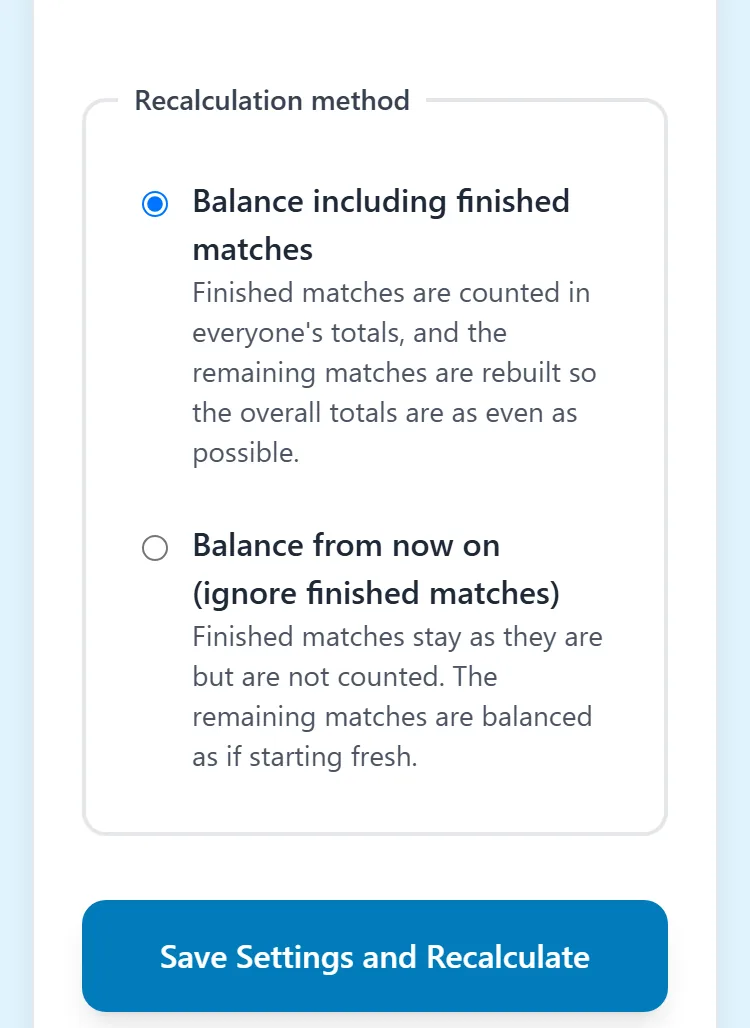
- Balance including finished matches (default): The number of matches played and the rests so far are counted, and the remaining matches are built so that the totals even out overall. A player who arrived late has played fewer matches, so they play more of the remaining ones. In the example above, Kobayashi plays in all of the first three remaining matches.
- Balance from now on (ignore finished matches): Finished matches are not counted, and the remaining matches are built as if starting fresh from now. Choose this when you want the late arrival and the players who have been playing all along to play the same number of matches from now on.
In Mexicano and King of the Court, from the second round on, changes apply "from the next round"
These two formats build the pairings one round at a time, so recalculation works differently.
- While only the first round exists: You can recalculate just like in Round Robin.
- After the second round has been created: Rounds that already exist are not rebuilt. The rest and addition settings are saved, and they take effect the next time you tap "Generate Next Round."
We tried this in King of the Court. We set one player to Rest and added one player partway through the second round, and the second round's pairings did not change. From the third round, the resting player was left out and the added player was included.
Even if someone has to leave partway through the second round, that round's pairings do not change. The rest setting takes effect from the next round.
To change the number of courts: choose it under "Settings" on the same screen and recalculate
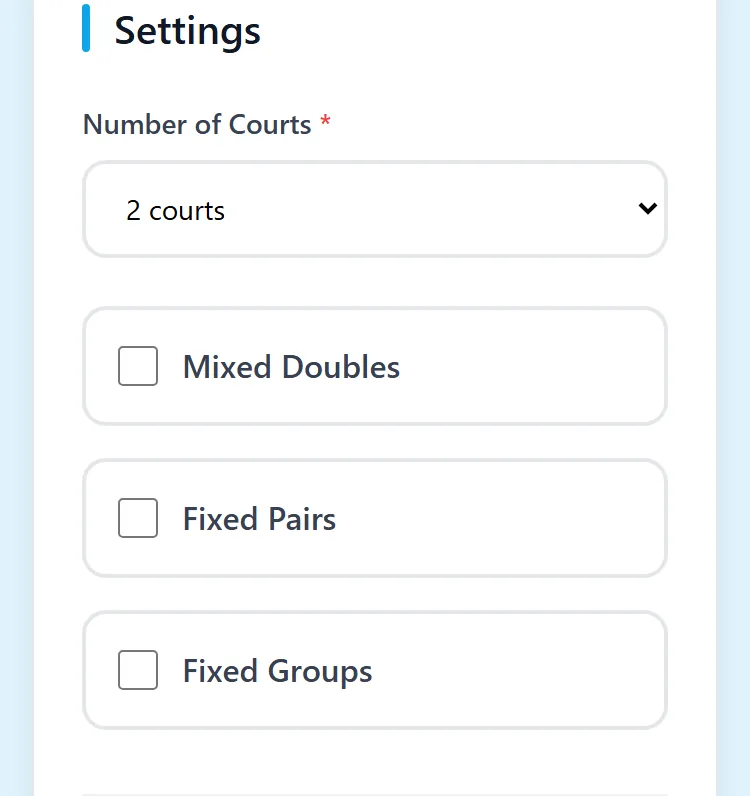
Near the top of the player settings screen, there is a "Settings" section. Choose the number of courts again, and tap "Save Settings and Recalculate." You can also switch Mixed Doubles, Fixed Pairs, and Fixed Groups here.
If you see "At least N players are required," reduce the rests or the number of courts
If the number of players, not counting those on Rest, is too small for the number of courts, you cannot recalculate. The number of players required is as follows.
- Doubles: 4 players per court. 8 players for 2 courts, 12 for 3 courts.
- Singles: 2 players per court.
If you do not have enough, uncheck Rest, add players, or reduce the number of courts. In Mixed Doubles, you need at least "2 players × number of courts" of each gender. With Fixed Groups, each group also needs the same minimum number of players as the total.
Free, no sign-up, works in your browser
Read next
- Creating your first draw — From creating the draw to entering scores and checking results
- Sharing with everyone — Show the draw to participants with a URL and a QR code